Your request to travel or purchase has been submitted to kNEXT using the online system that was developed by the Finance Business Center supporting the College of Engineering and Computer and the College of Sciences.
If you submit your own requests in Workday then this does not apply to you at all. You would use Workday to check on the status.
Process:
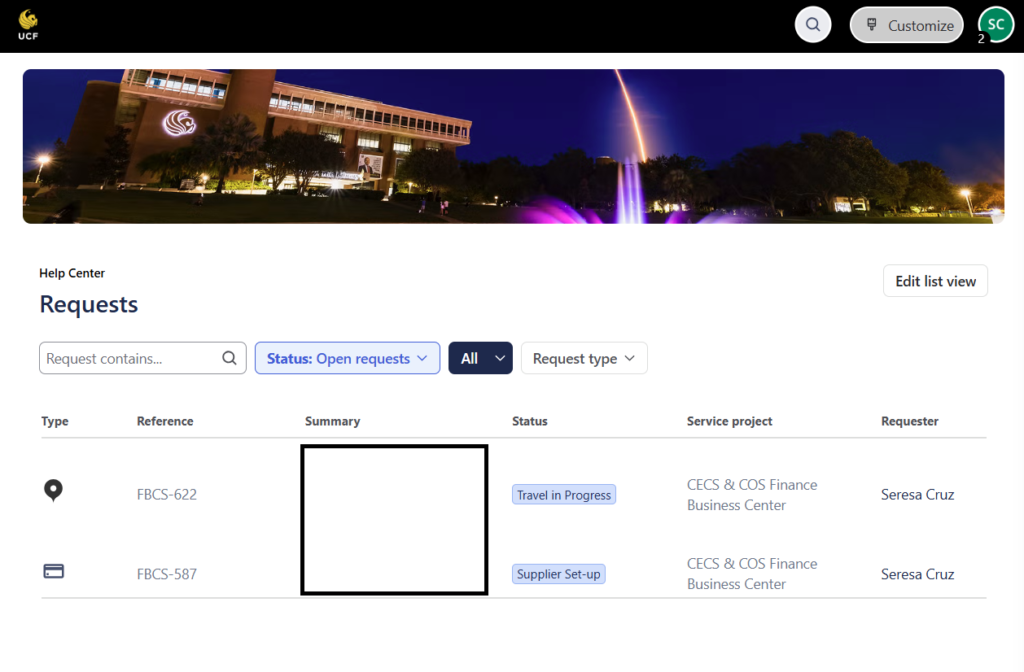
You can access your requests and check the status by following the steps listed below.
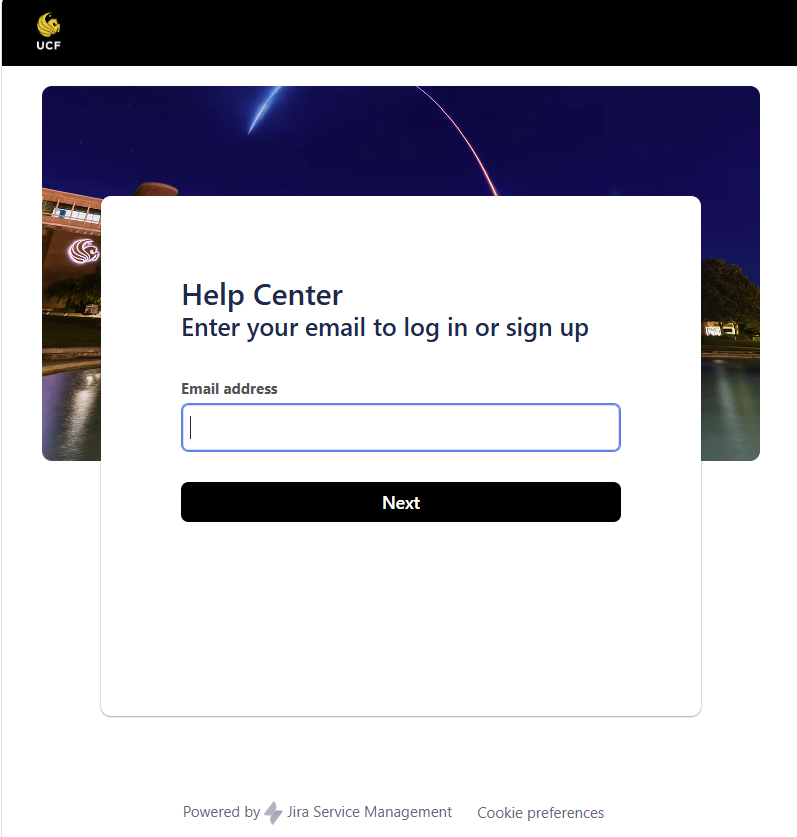
- Go to the portal: https://ucf-team-uacgi7tn.atlassian.net/servicedesk/customer/portal/35
- Click ‘Sign up’ or ‘Create account’
- Enter your UCF email address and follow the prompts to set up your account – please note that you will be generating a new password for this account. The password is NOT your UCF password; you need to create one.
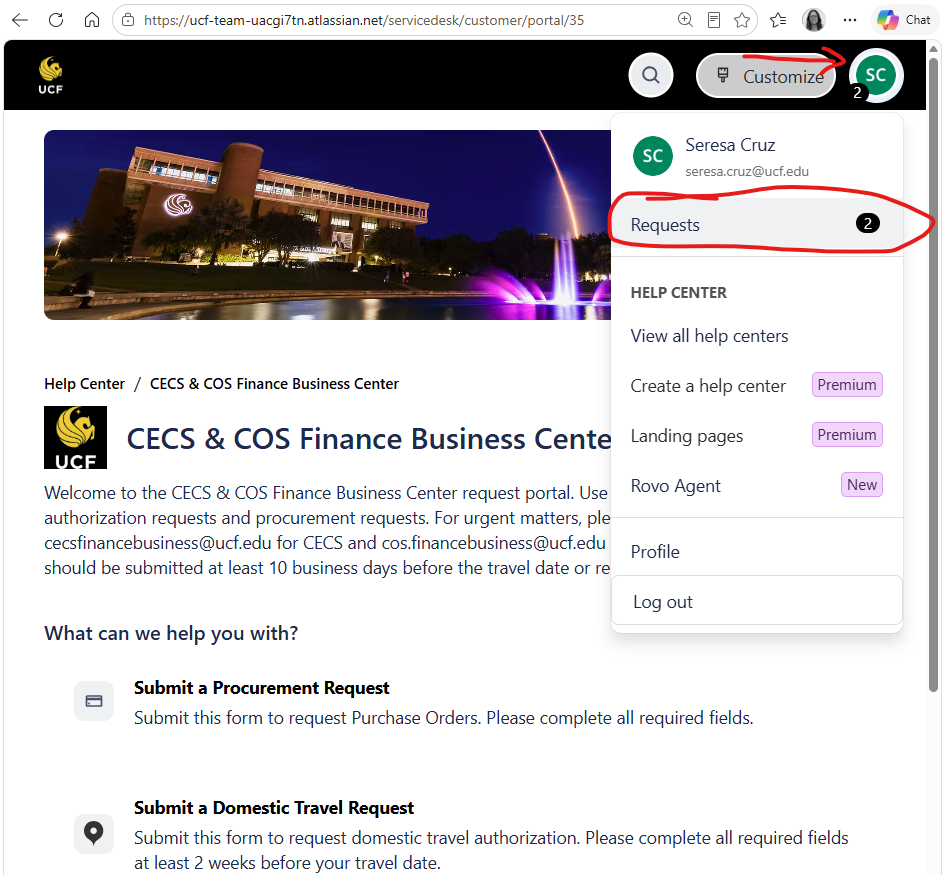
- Once logged in, click ‘My Requests’ in the top right corner